Child's First Login
Once you've created a card for your child, they'll need to log in to access their account. This guide will walk you through helping your child with their first login and introducing them to the Parent.credit platform.
Login Process
Access the welcome email
After you create a card for your child, we automatically send a welcome email to the address you provided. This email contains login instructions, a temporary PIN code, and a link to the Parent.credit platform.
Pro Tip
Take some time to go through the welcome email with your child. Use it as an opportunity to introduce the concept of the virtual card and explain how it will help them learn about money and responsibility.
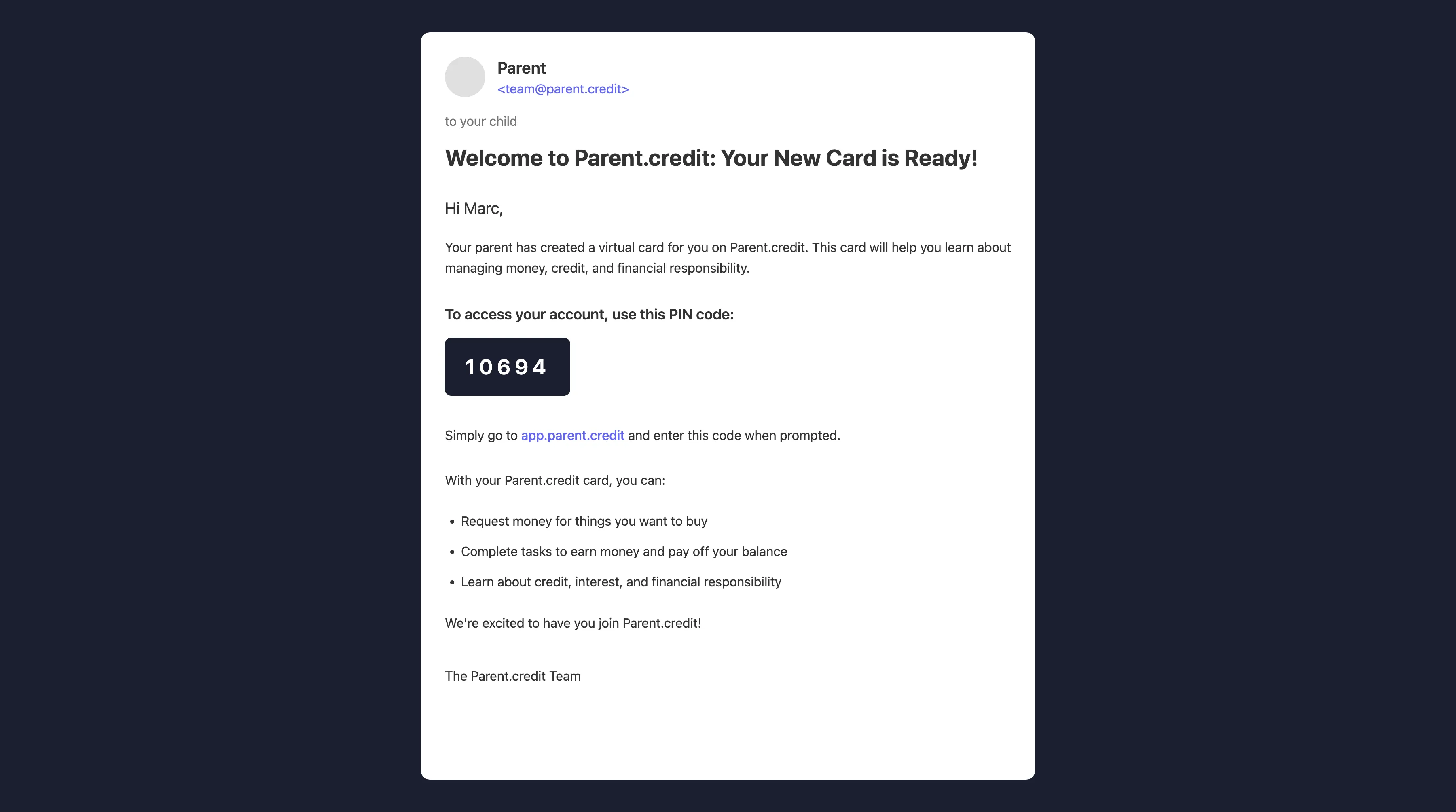
Visit the platform and enter the PIN
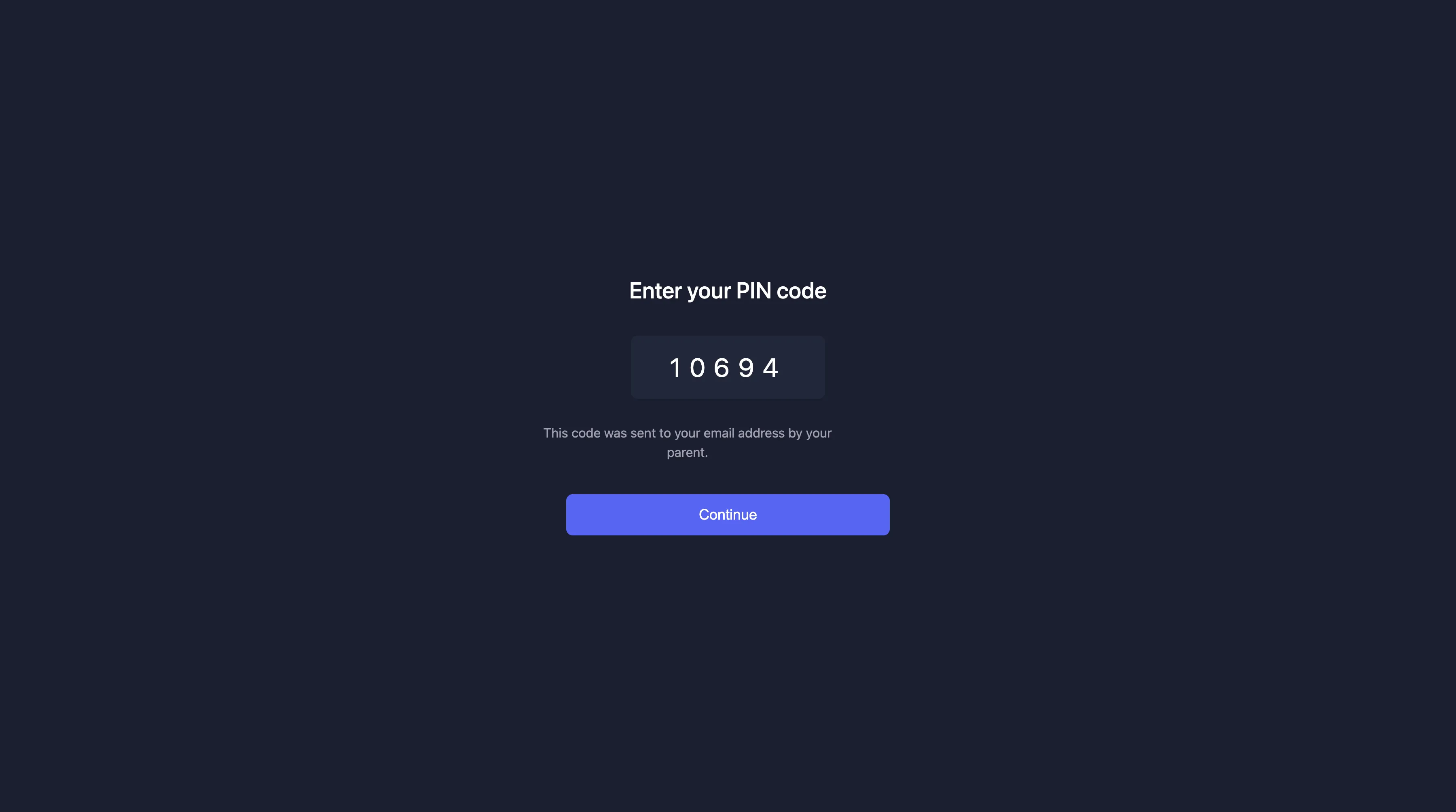
Your child should navigate to app.parent.credit and enter the PIN code provided in the welcome email. This will log them into their account and give them access to their virtual card.
Explore the dashboard
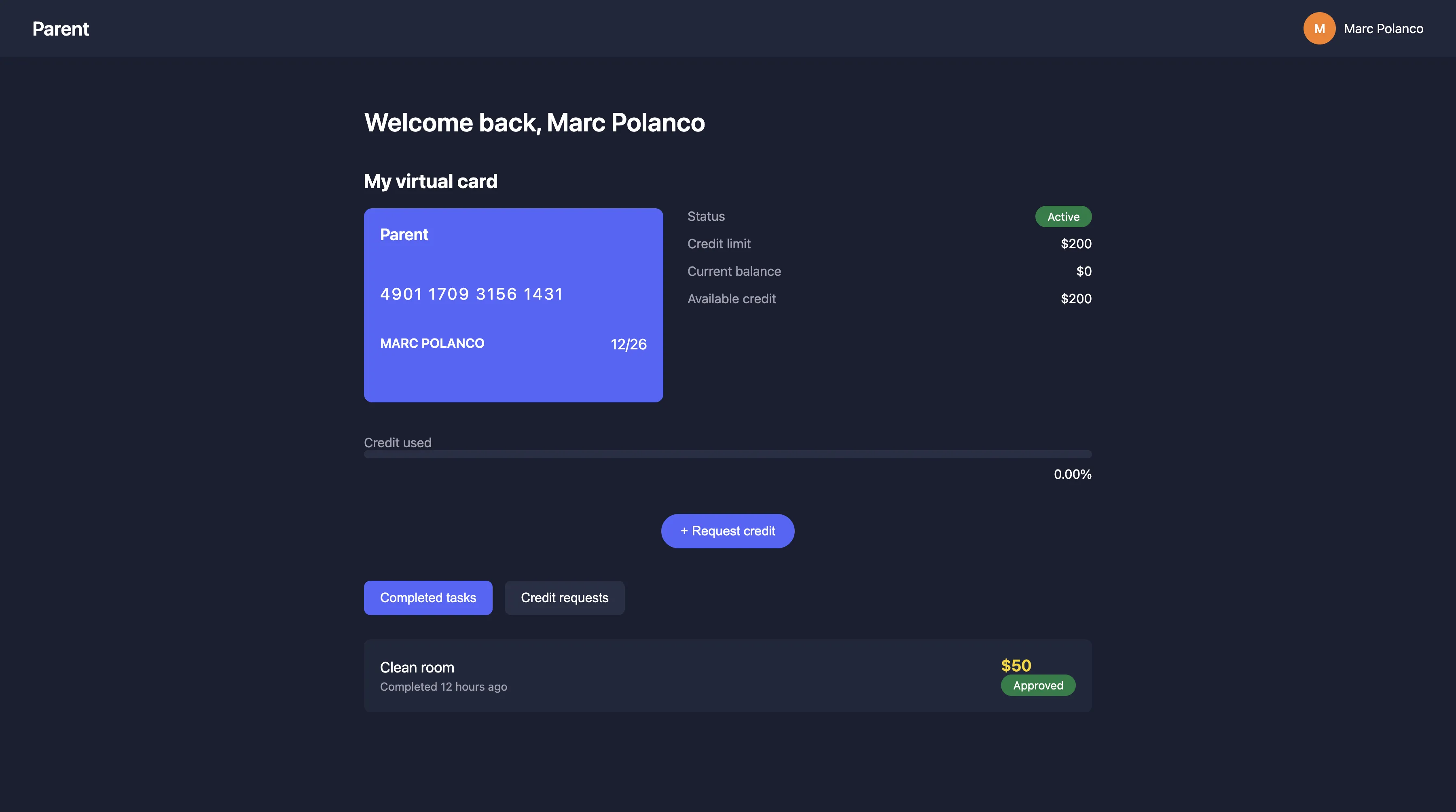
Once logged in, your child will see their dashboard with their virtual card, current balance, available credit, and options to request credit or complete tasks. Take some time to walk through each section with them.
Teaching Opportunity
Take this time to explain the key elements of the dashboard:
- The credit limit is the maximum amount they can borrow
- The current balance is what they currently owe
- Available credit is how much more they can borrow